BOOT
This is what the app does in the first second after you type openremap. It is
not an animation: each line is a real check, and the number on the right is how
long that check took.
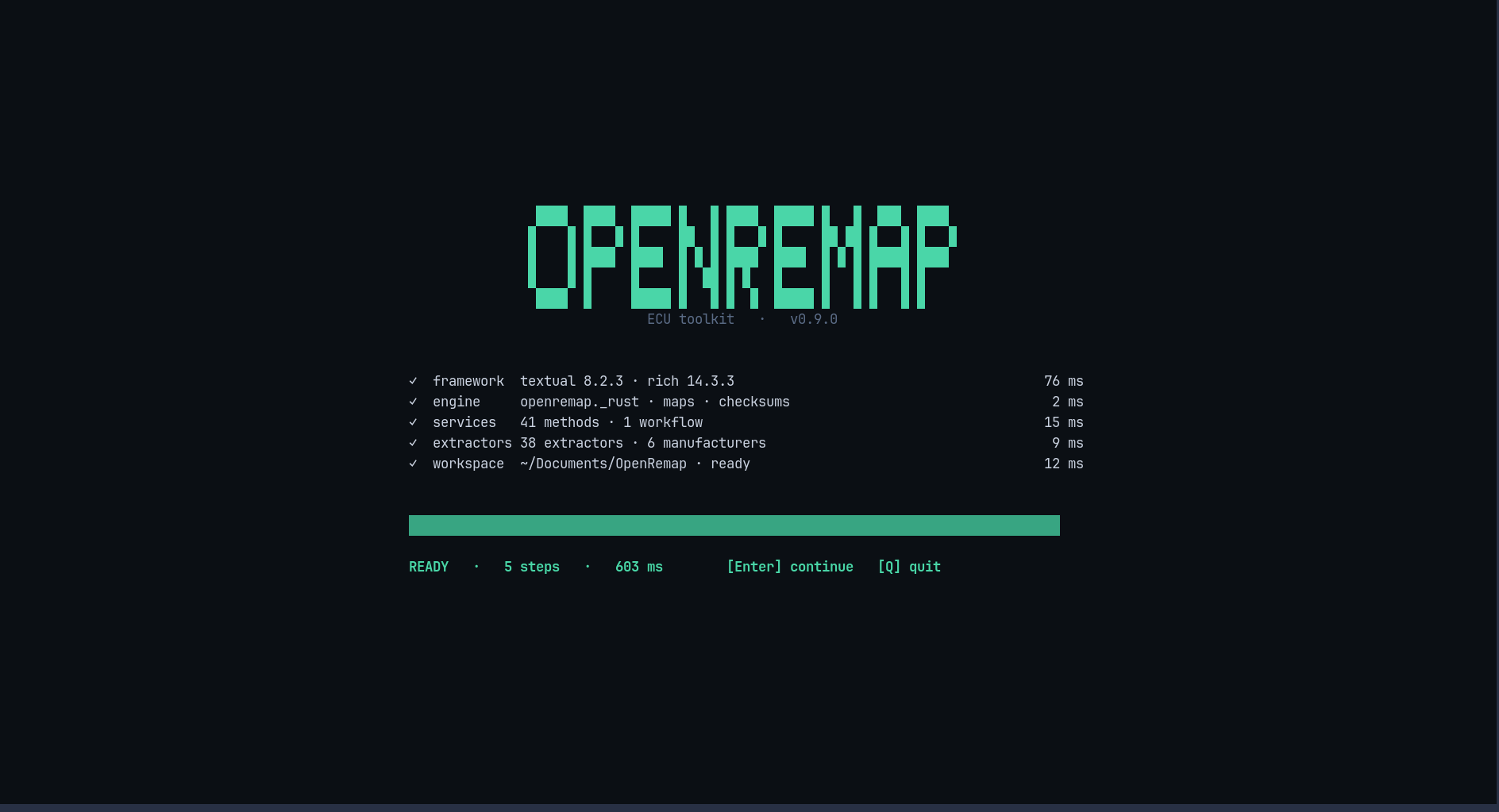
What each line means
| Line | In plain words |
|---|---|
framework |
the screen library loaded — textual 8.2.3 |
engine |
the fast native part of the program loaded — openremap._rust |
services |
the toolbox behind the screens loaded — 41 methods |
extractors |
the code that recognises ECU families loaded — 38 extractors · 6 manufacturers |
workspace |
the folder where results are saved exists — ~/Documents/OpenRemap |
At the bottom: READY · 5 steps · 603 ms, which is the total, and the two keys you
can press.
Keys
| Key | What it does |
|---|---|
Enter |
continue to HOME |
Q |
quit |
R |
try the checks again — appears only if one of them failed |
If a line is red
The line turns red and a small panel opens with the command that fixes it. The panel names the failing step, so you know what to search for.
| Failing line | Usually means |
|---|---|
framework |
the install is incomplete — reinstall with uv tool install openremap |
engine |
the native part is missing — same fix, or rebuild it from a clone |
services / extractors |
the install is damaged — reinstall |
workspace |
your home folder cannot be written to — the app still works, it just cannot save |
Note
This screen is also the fastest way to answer "is my install OK?". If these five lines are green, everything else in the app will work.